
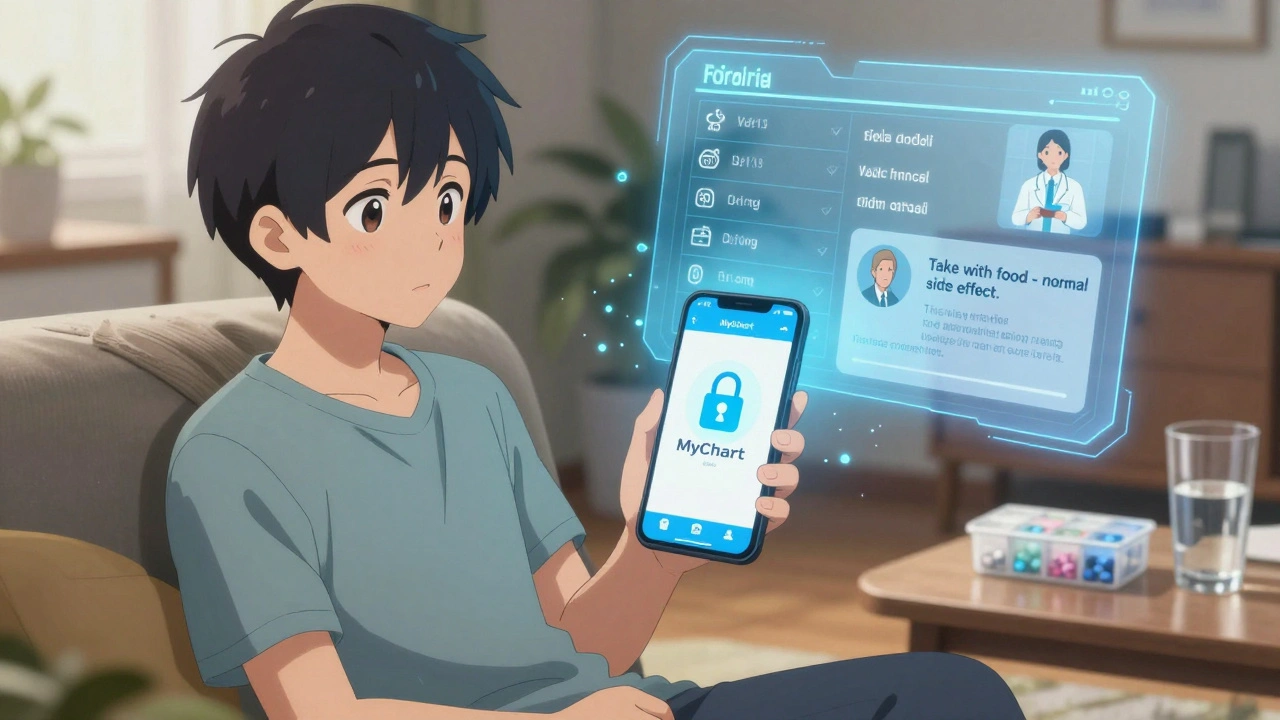
Every year, millions of people in the U.S. waste hours on hold, leaving voicemails, or driving to clinics just to ask a simple question about their medication. Secure messaging changes that. It’s not just another app - it’s a HIPAA-compliant way to get answers without the hassle. And if you’re using your phone’s regular text message or email, you’re risking your privacy and delaying care.
Why Secure Messaging Matters for Medication Questions
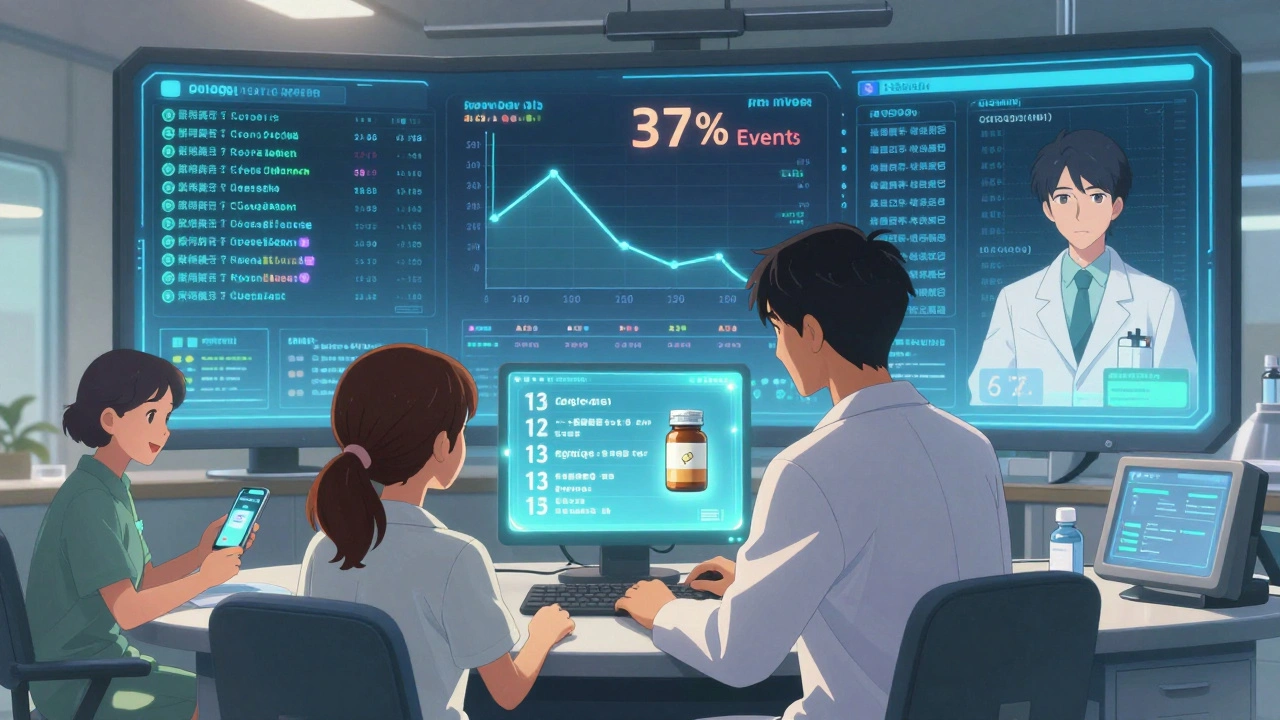
You wouldn’t send your Social Security number over a regular text. So why send your medication list? Unsecured channels like SMS, iMessage, or Gmail aren’t encrypted. That means your name, dosage, allergies, and refill requests could be exposed if a device is lost or hacked. According to the Office for Civil Rights, 72% of healthcare data breaches in 2024 came from unencrypted messages. Secure messaging systems - like Epic’s MyChart, Cerner, or My HealtheVet - use end-to-end encryption, audit logs, and access controls to protect your information. They’re built into your healthcare provider’s electronic health record. That means when you ask about your blood pressure pill, your doctor doesn’t have to dig through paper charts or guess what you meant. They see your full history, including allergies and other meds you’re taking. Studies show using secure messaging for medication questions cuts adverse events by 37%. That’s because clear, documented communication reduces mistakes. A patient who asks, “Should I take this with food?” gets a direct answer. No misheard instructions. No lost voicemail.What Counts as a Medication Question
Not every question belongs in secure messaging. These systems are for non-urgent issues. Use them for:- Clarifying dosage (e.g., “Is 10 mg twice a day correct?”)
- Asking about side effects (e.g., “I feel dizzy after taking this - is that normal?”)
- Requesting refills (e.g., “I’m out of my asthma inhaler - can you send a refill?”)
- Reporting an allergic reaction (e.g., “Rash started after taking the new antibiotic”)
- Asking about interactions (e.g., “Can I take this with my vitamin D?”)
- Chest pain after taking a new pill
- Swelling of the face or throat
- Difficulty breathing
- Severe dizziness or fainting
How to Set Up Secure Messaging (Step by Step)
If you’ve never used it before, here’s how to get started - and do it right.- Add your medications to your health record. Log into your provider’s patient portal (like MyChart or Updox). Go to “Health Records” > “Medications & Allergies.” Type in every pill, patch, inhaler, or injection you take - including over-the-counter drugs and supplements. This step alone reduces medication errors by 37%.
- Use the right subject line. When you start a new message, select “Medication” as the category. Don’t just pick “General Question.” This routes your message to the pharmacy team, not a general provider who might miss it. Add “MEDICATION QUESTION - NON-URGENT” to the subject line. Veterans Health Administration data shows this reduces misrouting by 44%.
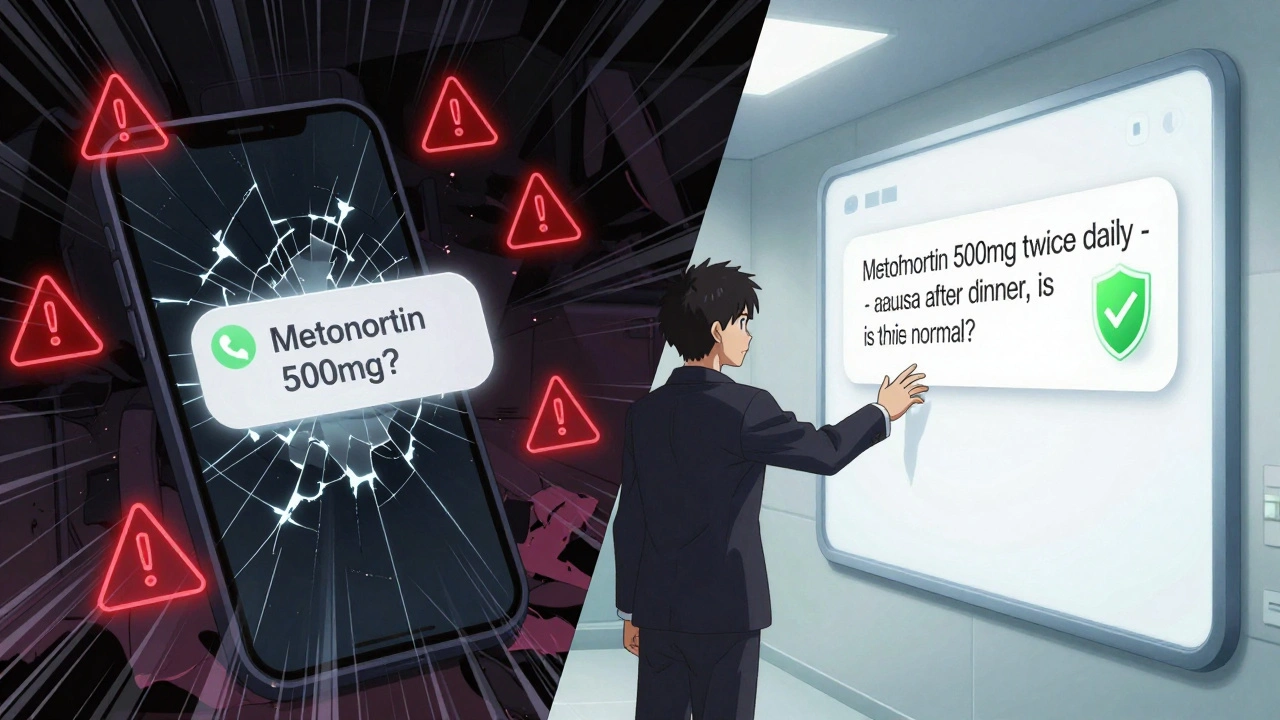
- Be specific in your message. Don’t write, “I’m having trouble with my medicine.” Instead, write: “I’m taking metformin 500 mg twice daily. Since starting last week, I’ve had nausea after dinner. Should I take it with food? Is this normal?” Include brand or generic name, dose, frequency, and context.
- Attach photos if needed. If you’re reporting a rash, reaction, or confusing label, take a clear photo of the pill bottle or packaging. 85% of platforms support this feature. It saves time and prevents misidentification.
- Check notifications, not email. Secure messages don’t come to your Gmail or Outlook. You’ll get a push notification on your phone or a alert inside the portal. If you rely on email, you’ll miss answers - and 73% of systems disable email for medication messages to protect your privacy.
Which Platforms Work Best
Not all secure messaging systems are the same. Here’s how the top ones compare:| Platform | Market Share (U.S.) | Medication Features | Response Time | Best For |
|---|---|---|---|---|
| Epic MyChart | 55% | One-click refills, integrates with pharmacy, structured templates | 24-72 hours | Patients at large hospitals |
| Cerner HealtheIntent | 18% | Strong EHR integration, good for complex regimens | 24-72 hours | Patients with multiple chronic conditions |
| My HealtheVet | Used by 92% of VA patients | Dedicated medication category, 68% fewer phone tag issues | 24-48 hours | Veterans |
| Updox | 12% | Direct pharmacy integration - auto-renews 68% of maintenance meds | 24-72 hours | Patients on long-term prescriptions |
| TigerConnect | 5% | 92% accuracy on complex drug questions | 24-72 hours | Specialty medications (e.g., cancer, autoimmune) |
Expert Tips to Get Faster Answers
Want your message answered quicker? Here’s what works:- Include your pharmacy’s NABP number. If you’re requesting a refill, add the pharmacy’s National Association of Boards of Pharmacy ID. Reddit users report this cuts processing time by 50%.
- Use exact medication names. Say “metoprolol succinate 25 mg” instead of “my heart pill.” Clinicians see hundreds of names daily. Precision saves time.
- Report lot numbers for reactions. If you have a bad reaction, include the lot number from the bottle. 63% of academic hospitals now require this to track possible batch issues.
- Don’t use personal email. 18% of first-time users accidentally send medication questions via Gmail. The system usually blocks it and sends a warning - but why risk it?
What to Expect After You Send It
Once you hit send, you’ll get a notification that your message was received. Then you wait. Most responses come within 24 to 72 hours. That’s slower than a phone call - but you get a written record. No misremembering what was said. You might get an automated reply for refill requests. That’s normal. If it says “Your request is being processed,” don’t panic. It just means the pharmacy team is handling it. If you don’t hear back in 72 hours, check your portal. If it’s still pending, send a polite follow-up: “Just checking in on my refill request for [medication name].” Some patients complain about “automated responses.” That’s because systems now auto-fill refill requests for stable, long-term meds. If you need a dose change or have concerns, make sure your message says so clearly.Common Mistakes and How to Avoid Them
Even with good intentions, people mess up. Here are the top errors:- Using WhatsApp or iMessage. 31% of patients think these are safe. They’re not. HIPAA doesn’t cover them. Your provider can’t respond through them.
- Waiting until you’re out of meds. Request refills at least 5 days before you run out. Pharmacies need time to process, especially for controlled substances.
- Asking urgent questions. If you’re having chest pain, don’t text. Call 911.
- Not updating your medication list. If you stop a drug or start a new one, update your portal. Outdated lists cause dangerous errors.
- Ignoring the emergency warning. Before you send any message, the system shows a pop-up: “Do not use for emergencies.” Read it. It’s there for a reason.
The Future of Secure Medication Messaging
By 2026, AI will auto-fill your medication history when you start a new message. You’ll just say, “I think this new pill is making me tired,” and the system will pull your full list, check for interactions, and suggest a response. The Office of the National Coordinator for Health Information Technology is already testing this with FHIR standards - and early results show a 39% drop in clinician documentation time. Meanwhile, pharmacies are integrating directly with secure messaging. Blue Cross Blue Shield and Epic now auto-authorize 1.2 million refills per month without any human input. That’s the future: fewer calls, fewer errors, faster care.Frequently Asked Questions
Is secure messaging really safer than calling my doctor?
Yes. Phone calls leave no record. Someone might mishear your name, dosage, or question. Secure messaging creates a permanent, encrypted log that both you and your provider can refer to. It also prevents PHI from being left on voicemails or shared over unsecured lines. Studies show secure messaging reduces medication errors by 37% compared to phone calls.
Can I use secure messaging to get a new prescription?
You can request a refill or renewal, but not a new prescription for a condition you haven’t been diagnosed with. For example, if you’ve been on metformin for years and need more, yes. If you want a new antidepressant because you’re feeling down, no - you need an appointment. Secure messaging isn’t a substitute for diagnosis.
What if my provider doesn’t use secure messaging?
About 87% of U.S. healthcare systems use secure messaging as of 2024. If yours doesn’t, ask if they plan to adopt it. Community clinics are slower to adopt due to cost, but the trend is clear. In the meantime, use the patient portal’s secure contact form if available. Avoid email or text for any health-related questions.
How long are my messages stored?
Federal law requires secure messaging systems to keep records for at least 7 years. Your messages are stored in your electronic health record alongside your lab results and doctor’s notes. You can usually view them anytime in your portal. After 7 years, they’re automatically deleted to comply with privacy rules.
Do I need to download an app to use secure messaging?
No, but it’s easier. Most systems offer a mobile app (iOS 14+ or Android 10+) with push notifications. You can also access it through a web browser on your computer. The app just makes it faster to check for replies and send photos.
Next Steps
If you’re not using secure messaging yet:- Log into your provider’s patient portal today.
- Find the “Medications & Allergies” section and update your list.
- Send your first message - even if it’s just to confirm your current meds are correct.
- Check your portal, not your email.
- Make sure you selected “Medication” as the category.
- Include the exact name, dose, and your question.
Releted Post

Caspian Fothergill
Hello, my name is Caspian Fothergill. I am a pharmaceutical expert with years of experience in the industry. My passion for understanding the intricacies of medication and their effects on various diseases has led me to write extensively on the subject. I strive to help people better understand their medications and how they work to improve overall health. Sharing my knowledge and expertise through writing allows me to make a positive impact on the lives of others.
I started using MyChart last year after my mom had a bad reaction because she misheard her dosage over the phone. Now I never call unless it's an emergency. Seriously, it's like having a doctor in your pocket. Took me two tries to get the hang of it, but now I'm faster than calling.
Also, attaching photos of pill bottles? Game changer. Saved me from taking the wrong generic last month.
I appreciate how thorough this guide is. Many patients don't realize that unencrypted texts can expose their entire medication history-even if they think 'it's just a quick question.' The 72% breach statistic is terrifying, and the fact that 73% of systems disable email for these messages should be common knowledge. Precision in language saves lives: 'metoprolol succinate 25 mg' not 'my heart pill.' This isn't just convenience-it's patient safety infrastructure.
The integration of FHIR standards and AI-driven autofill mechanisms represents a paradigm shift in asynchronous clinical communication. By leveraging structured data elements and semantic interoperability, these platforms reduce cognitive load on clinicians while enhancing longitudinal care continuity. The reduction in documentation time by 39% is not merely an efficiency metric-it is a direct correlation to improved diagnostic accuracy and reduced burnout among primary care providers. Furthermore, the auto-authorization of maintenance refills via pharmacy integration constitutes a form of clinical delegation that aligns with value-based care models.
Why do we even need apps for this? In my country, we just call the clinic and talk to a nurse. All this tech stuff is overkill. People are making it complicated.
I’ve been using secure messaging for three years now, mostly for refills and side effect check-ins. I used to be skeptical-thought it’d be slow or ignored-but honestly, the written record has saved me more than once. Last winter, I asked about a new blood pressure med and got a detailed response that included a link to a video on how to take it properly. I saved it. My wife used it when she forgot. And yeah, I know people say ‘just call,’ but have you ever been on hold for 47 minutes only to get cut off? This is better. It’s quiet, it’s safe, and it doesn’t require you to play phone tag with someone who doesn’t know your file. I wish more people knew this existed.
Wait-so you're telling me the government and big pharma are pushing this 'secure messaging' so they can track every single pill you take? And you're just going along with it? MyChart? Cerner? They're all owned by the same conglomerates. They're building a database of your health habits, your allergies, your refills-and then selling it to insurers so they can raise your premiums. They block email because they don't want YOU having a copy of your own records. This isn't safety-it's surveillance disguised as convenience. And don't get me started on the AI autofill... they're training algorithms on your medical data without consent!!!
I tried this thing last week. Sent a message about my diabetes med. Didn't get a reply for 3 days. Then I got some robot auto reply saying 'your request is being processed.' I was like ok cool. But then I saw my refill got approved without me even asking. I didn't even know I could do that. I think I messed up the subject line though. I just said 'help' lol. But it worked? So maybe I'm just dumb. But this is kinda cool.
Too much text. Just tell people to use the portal and don't text their doctor.
Let’s be real-this isn’t about ‘secure messaging.’ It’s about the healthcare industrial complex outsourcing patient education to a glitchy portal while charging $200 for a 10-minute virtual visit. The fact that we’ve normalized ‘waiting 72 hours’ for a response to a life-altering medication question is a tragedy dressed in UI design. Epic MyChart? More like Epic Bureaucracy. And don’t get me started on how they bury the ‘emergency’ disclaimer under three layers of pop-ups. This isn’t innovation-it’s performative efficiency. We’re being sold a digital Band-Aid on a systemic hemorrhage.
I moved from the UK to the US last year and was shocked at how much more structured this system is compared to the NHS. Back home, you email a generic inbox and wait weeks. Here, you can actually tag your message, attach photos, and get replies from pharmacy teams. It’s not perfect, but it’s the first time I’ve felt like my medication history actually matters to the system. I still don’t use the app-I prefer the web portal-but I’m glad it exists.